Introduction
Login
Login as user admin to the Organization name: system
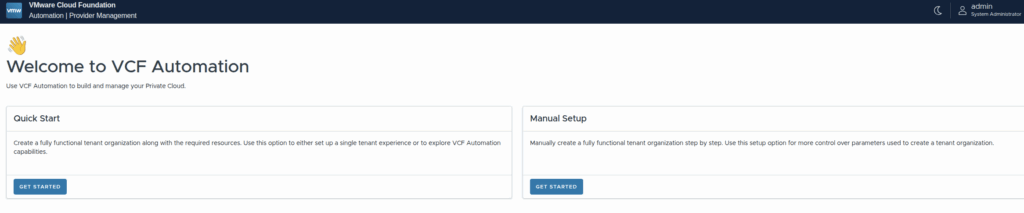
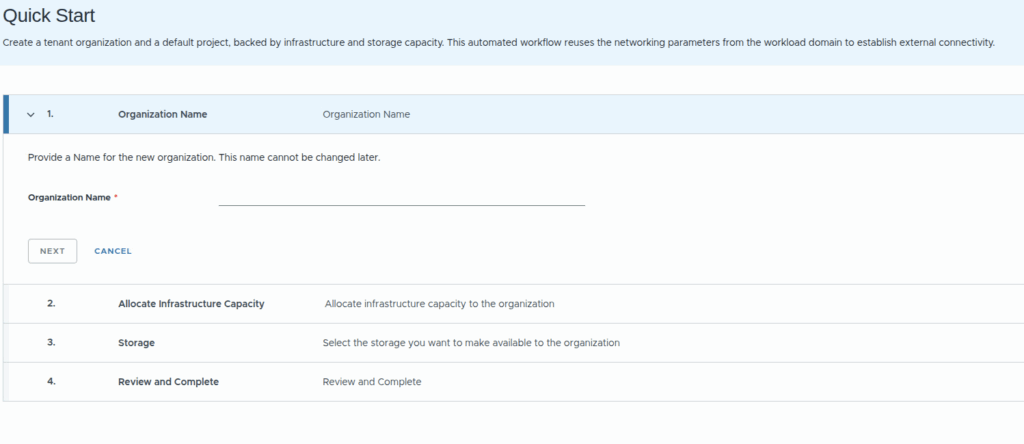
or if selected manual:
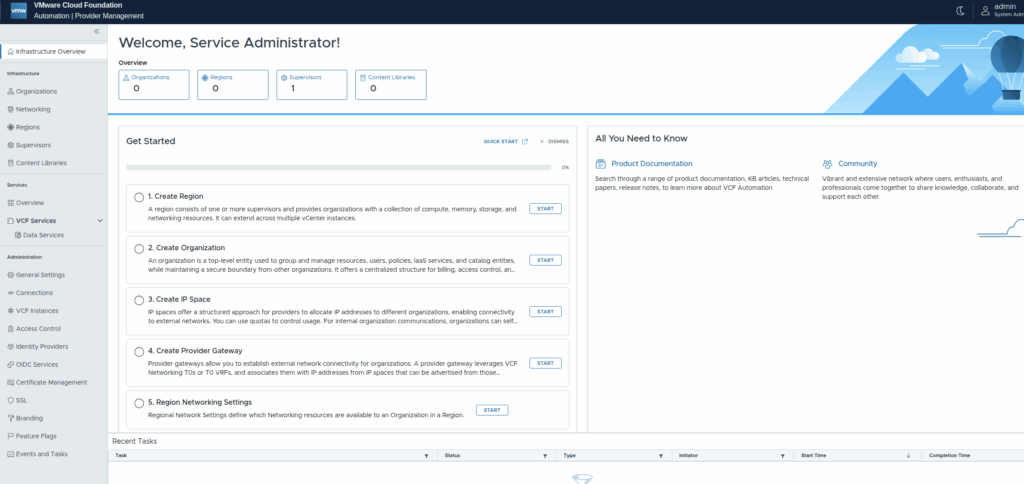
Check the connections (in Administration section), where you should see connection to the vCenter and NSX-t manager as those are provided automatically via VCF Operations:

the same for VCF Instances:

Also check your networking:

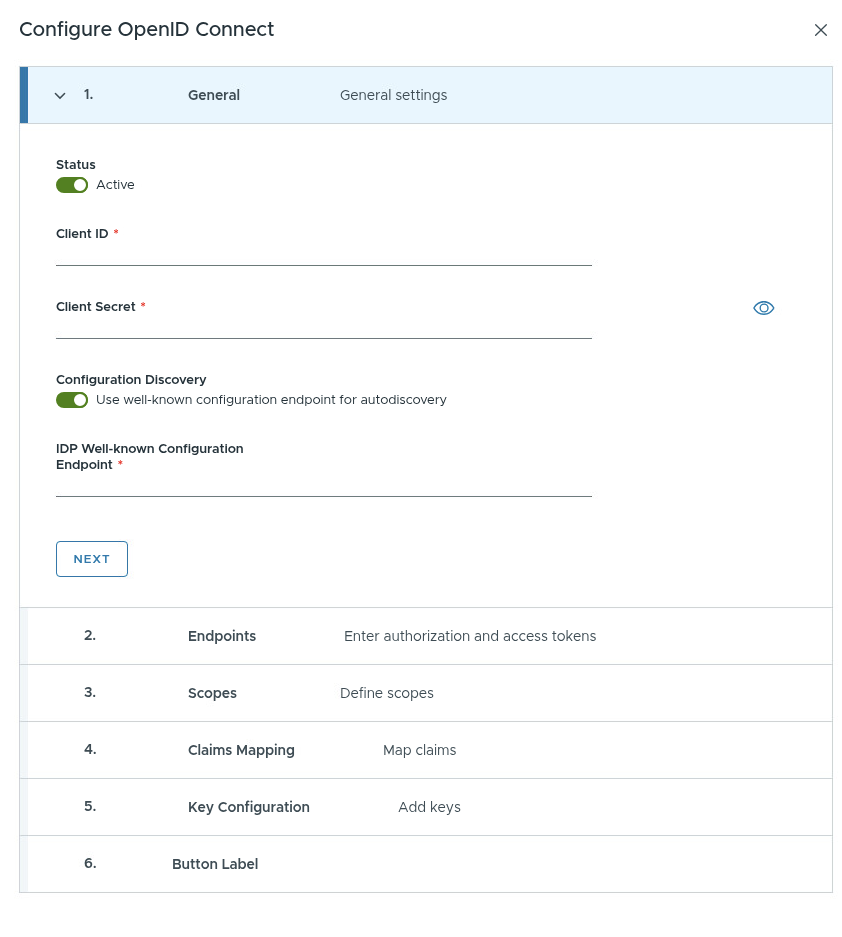
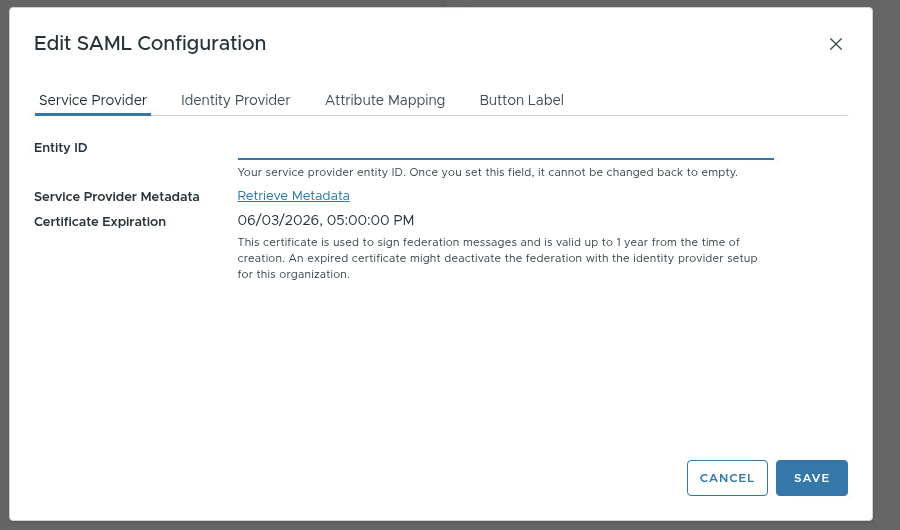
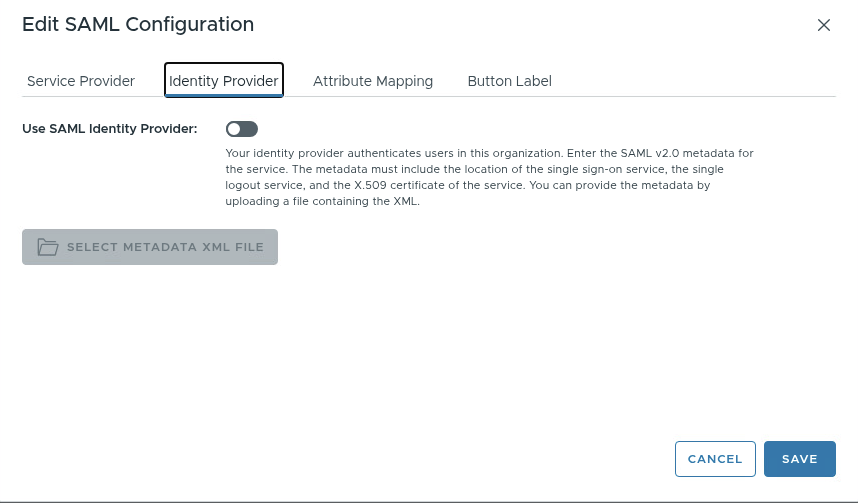
Identity provider configuration
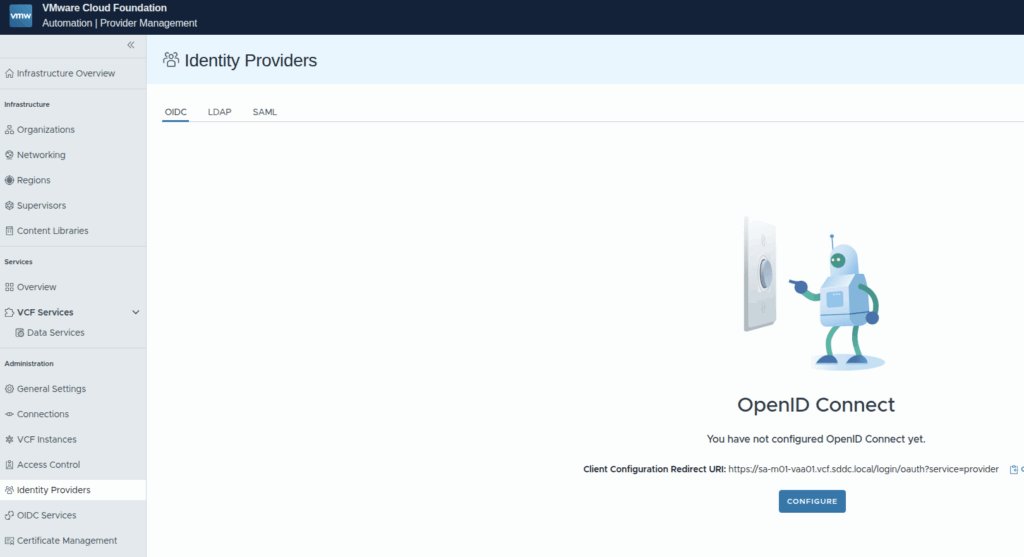
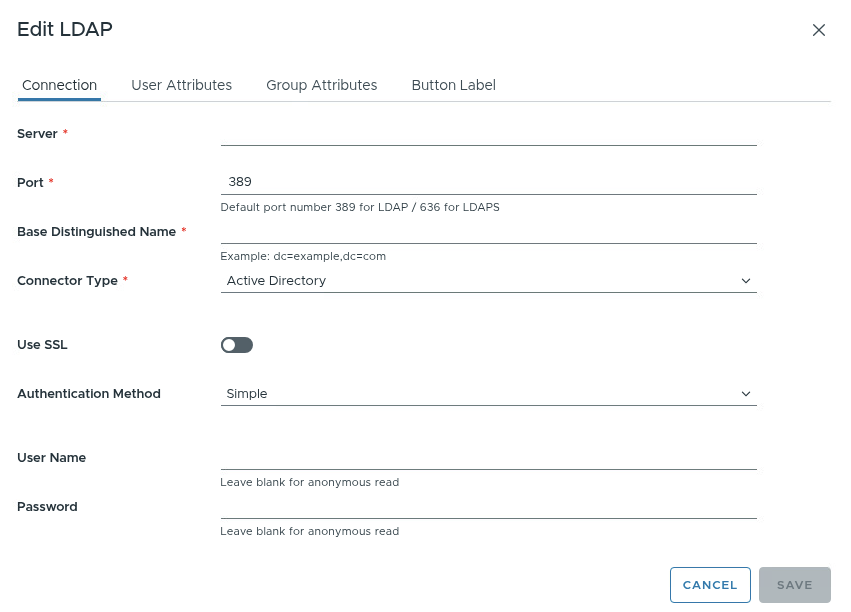
For ldap please pay attention on:
- port 636 is ssl ldap port (389 for plain ldap)
- after configuration, link called test and sync are visible
- test the configuration, check if status is connected (to the ldap)
- sync the configuration
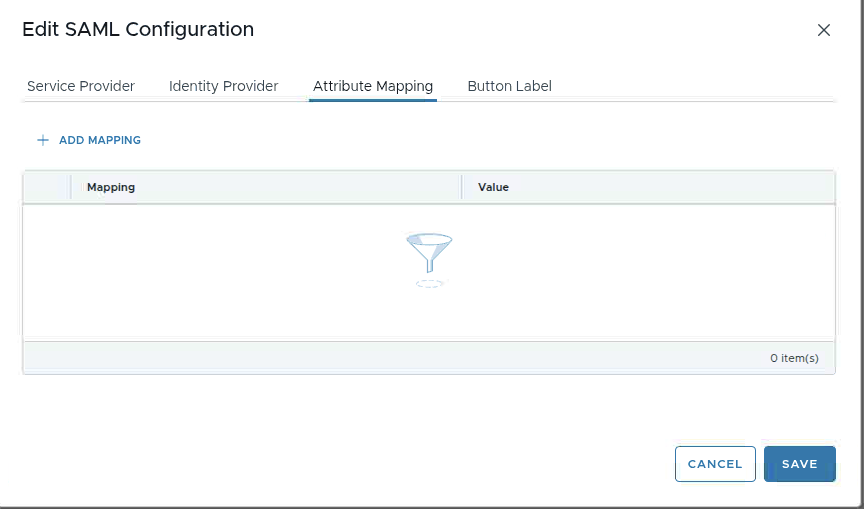
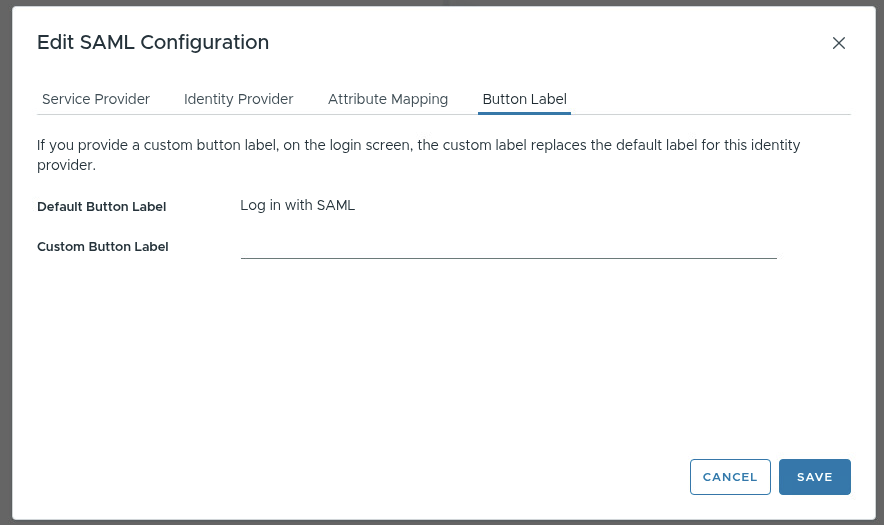
Adding Access Control
Under Administration select Access Control:
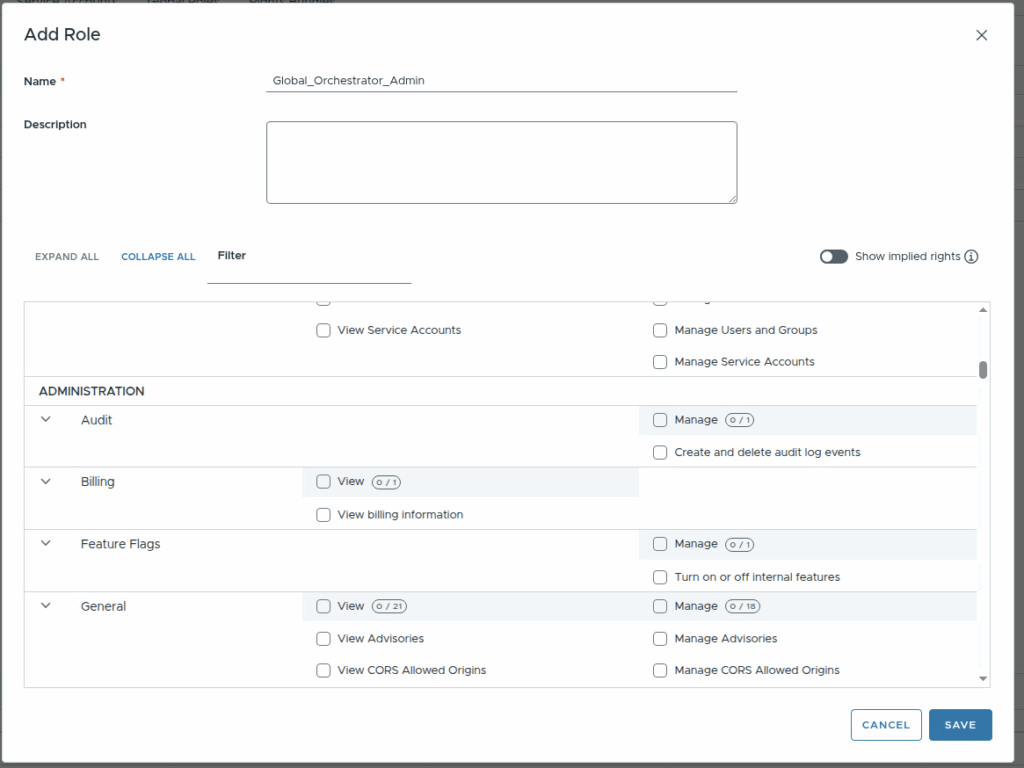
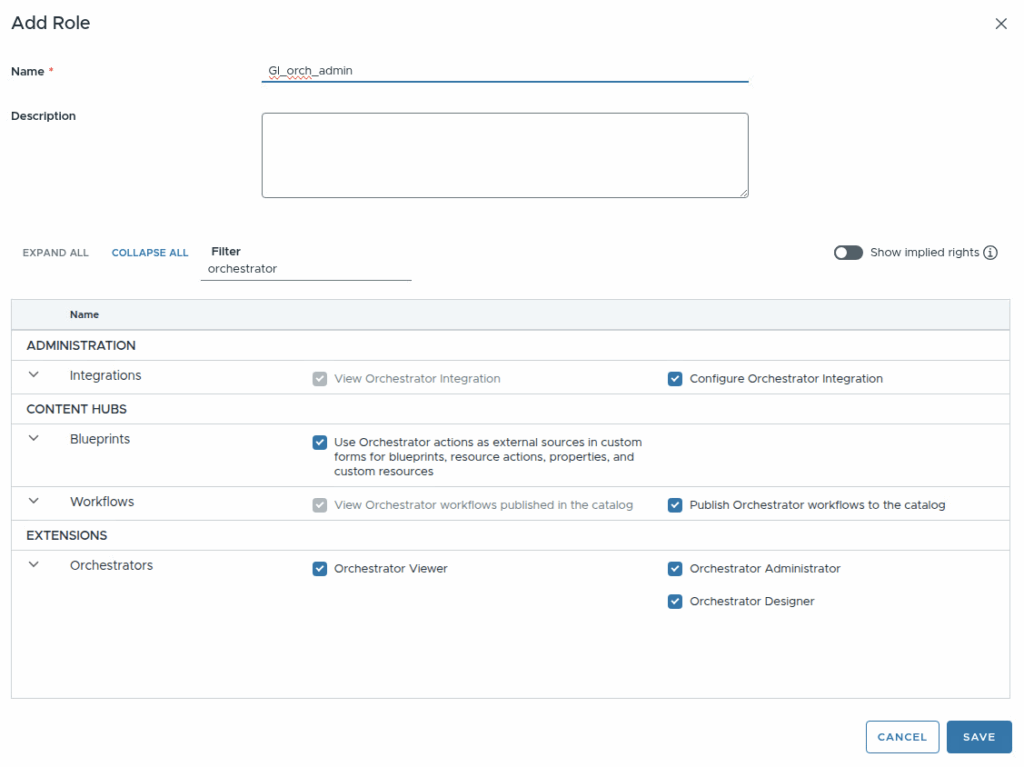
Select required permissions:

No Comments